
Cookie policy
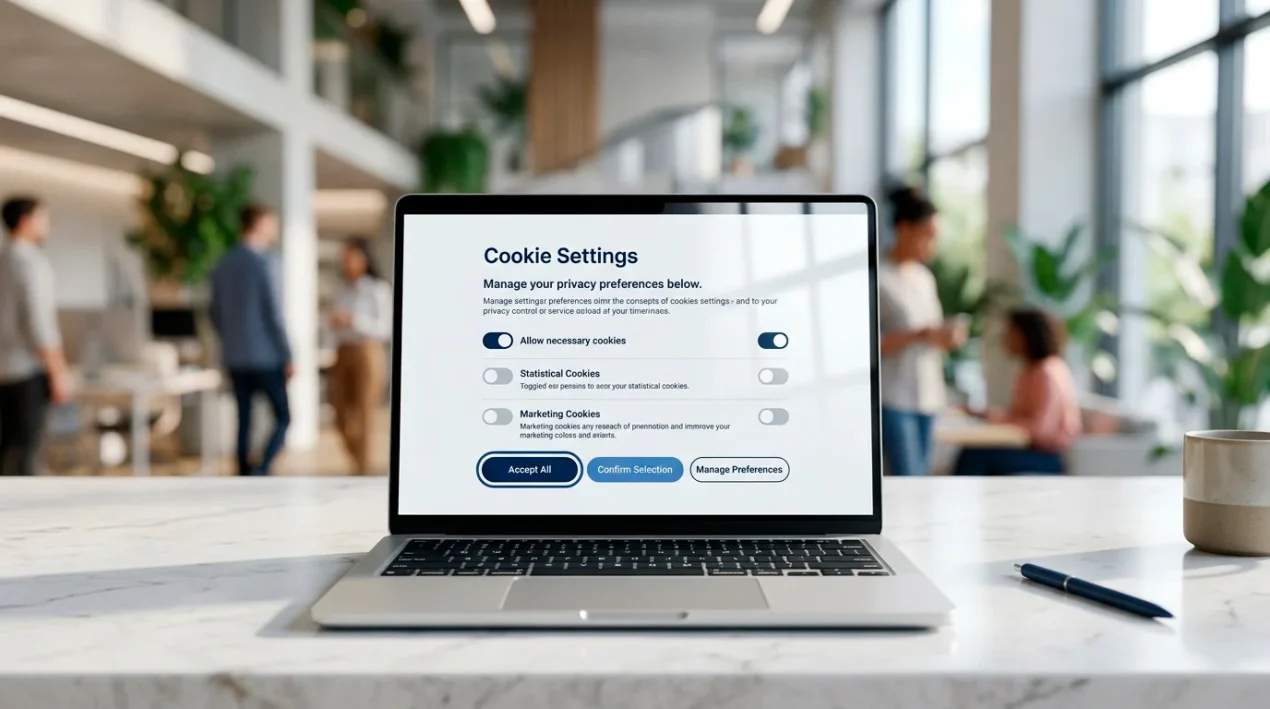
This cookie policy explains what cookies are, which ones GamStop Navigator Slots uses, why we use them, how long they stay on your device, and how you can manage or refuse them. We treat the use of non-essential cookies as something that needs your active consent under the Privacy and Electronic Communications Regulations (PECR) and the UK GDPR.
Back to the main guide: UK casinos not on GamStop explained.
What is a cookie?
A cookie is a small text file that a website asks your browser to store on your device. Each time you visit the site afterwards, your browser can send that file back, which is how a site can recognise a returning visitor or remember a preference. Cookies sit at the boundary of useful and intrusive, which is why UK law regulates them specifically.
Cookies set by the domain you are visiting are called first-party cookies. Cookies set by another domain that has resources embedded in the page are called third-party cookies. Some technologies do similar work without using a cookie file, including local storage, session storage and tracking pixels. We treat all of those the same way as cookies for the purposes of this policy.
What categories of cookies do we use?
We group cookies into four categories. Only strictly necessary cookies are set without consent. Everything else is set only after you have agreed through the cookie banner.
- Strictly necessary
- Cookies required to deliver the site and remember basic state, for example the result of your cookie banner choice. Without these the site does not work as intended. No consent required under PECR.
- Functional
- Cookies that remember preferences such as your reading-size choice or whether you have dismissed an in-page notice. Set only with consent.
- Analytics
- Cookies that help us understand which pages readers find useful, in aggregate. Set only with consent. Where possible we use a privacy-friendly configuration with IP truncation or pseudonymisation.
- Marketing
- Cookies used to build advertising or remarketing profiles. We do not run advertising on this site at present, but if that changes the relevant cookies will be listed here and will only be set after explicit consent.
Which specific cookies might be set?
The table below lists the cookies that may be set on this site. Entries marked as placeholders will be confirmed once the production stack and any analytics tool are finalised. The set may change over time and this section will be updated to match. Where a cookie is removed, this section will say so until the change has been in place for at least one cookie lifetime.
| Cookie name | Category | Purpose | Type | Lifetime |
|---|---|---|---|---|
| cookie_consent | Strictly necessary | Stores the result of your cookie banner choice so the banner does not reappear on every page. | First-party, persistent | 12 months |
| session_id | Strictly necessary | Maintains site session state, for example a contact-form anti-spam token. | First-party, session | Session only |
| pref_text_size | Functional | Remembers your reading-size preference if you adjust it on the page. | First-party, persistent | 6 months |
| [analytics_id placeholder] | Analytics | Records an aggregated, pseudonymised page-view to help us understand how readers find the site. | First-party, persistent | 13 months (placeholder) |
If a third-party tool is added in future, for example an embedded video or an analytics service, the cookies it sets will be listed here with the same level of detail.
How does the consent banner work?
On your first visit you will see a cookie banner. The banner has three clear options of equal prominence: accept all, reject all non-essential, and manage preferences. Closing the banner without making a choice is not treated as consent.
Your choice is stored in the cookie_consent cookie and respected on every page you visit afterwards. You can change your choice at any time by reopening the preferences panel from the link in the site footer or the link at the foot of this page. Withdrawing consent is as easy as giving it.
How can you disable or delete cookies in your browser?
You can manage cookies at the browser level, in addition to the site banner. Browser controls apply across all websites you visit, not just this one, and can break parts of the sites you use. The instructions below are short pointers for the four most common UK browsers; consult your browser’s own help for the current detail, as menus and labels change between versions.
- Chrome
- Open Settings, then Privacy and security, then Third-party cookies. From there you can block third-party cookies, clear existing cookies and set per-site rules. To remove cookies set by this site only, open Settings > Privacy and security > Site settings > View permissions and data stored across sites, search for the site and delete its entry.
- Firefox
- Open Settings, then Privacy and Security. Under Cookies and Site Data you can clear data, manage data per site and use the Enhanced Tracking Protection options to block categories such as cross-site trackers by default.
- Safari (macOS)
- Open Safari, then Settings, then Privacy. You can block all cookies, prevent cross-site tracking and manage stored website data per site.
- Safari (iOS)
- Open the Settings app, scroll to Safari, and use the Privacy and Security section to block all cookies or prevent cross-site tracking. To clear existing cookies, use Clear History and Website Data.
For other browsers, look for a section called Privacy, Cookies or Site Data inside the browser’s main settings.
Cookies and special categories of data
We do not knowingly collect special category data through cookies, and we do not target cookies at children. The site is intended for adult readers aged 18 or over. If you believe a cookie set by this site is doing more than what is described in this policy, please let us know through the contact page.
How will you know if this policy changes?
This policy may change as the site evolves or as guidance from the Information Commissioner’s Office is updated. Material changes will be reflected by updating the “Last updated” date at the top of this page. Where a change introduces a new category of cookie, the consent banner will be reopened so you can review your choice.
How the data itself is handled is in the privacy policy.
Where can you read more?
The Information Commissioner’s Office publishes plain-language guidance on cookies and online tracking at ico.org.uk. For our wider position on personal data, see the privacy policy. For information about who runs the site and how to contact the editorial team, see the legal notice and the contact page.